McAfee VPN Client1.0.1.1009
Publisher Description
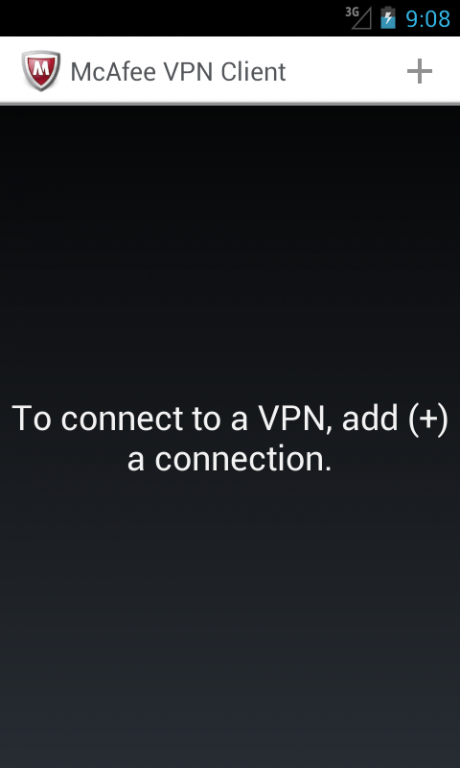
McAfee® VPN Client provides a
secure remote connection
to your company network. Strong encryption prevents eavesdropping and modification of the traffic. McAfee VPN Client enables
easy and secure remote access to private networks
where McAfee® Next Generation Firewall is used as a VPN gateway.
Benefits
• Easy to get started – you only need the gateway contact information, user name, and password
• Intuitive and user-friendly interface
• Secure access to private networks from any location
How it works
McAfee VPN Client connects to the internal network of the company. The VPN gateway in the company network authenticates the user and establishes an encrypted SSL VPN tunnel. All the communication is strongly encrypted and the user gets access to private network resources as if the user was directly connected to the company network from the office.
Technical details
• Requires Android 4.0 or later
• Requires McAfee® Next Generation Firewall as the VPN gateway
• Supports one-time passwords such as McAfee Pledge, SMS text messages, and static passwords for user authentication
• Enables the use of any IPv4-based applications through the SSL VPN tunnel
Additional information
To complete the VPN settings with your company-specific details, contact your McAfee Next Generation Firewall administrator.
About McAfee VPN Client
The company that develops McAfee VPN Client is McAfee (Intel Security). The latest version released by its developer is 1.0.1.1009. This app was rated by 6 users of our site and has an average rating of 3.5.
To install McAfee VPN Client on your Android device, just click the green Continue To App button above to start the installation process. The app is listed on our website since 2015-05-20 and was downloaded 3,670 times. We have already checked if the download link is safe, however for your own protection we recommend that you scan the downloaded app with your antivirus. Your antivirus may detect the McAfee VPN Client as malware as malware if the download link to com.mcafee.sslvpn is broken.
How to install McAfee VPN Client on your Android device:
- Click on the Continue To App button on our website. This will redirect you to Google Play.
- Once the McAfee VPN Client is shown in the Google Play listing of your Android device, you can start its download and installation. Tap on the Install button located below the search bar and to the right of the app icon.
- A pop-up window with the permissions required by McAfee VPN Client will be shown. Click on Accept to continue the process.
- McAfee VPN Client will be downloaded onto your device, displaying a progress. Once the download completes, the installation will start and you'll get a notification after the installation is finished.
Program Details
System requirements
Download information
Pricing
Version History
version 1.0.1.1009
posted on 2015-05-20
1.0.1.1009,▪ Possibility to create desktop shortcuts for your VPN connections.,▪ More specific error messages if the gateway authentication fails.,▪ Input focus in the authentication dialog automatically changes to the password field if the user name has already been filled in.,▪ The diagnostic package now includes the gateway configuration files.
